


How do I sign the documents when I open an online account?
Well, you don’t open an account 100% online every day, do you? If you encounter difficulties signing documents, we are here for you. 🤗
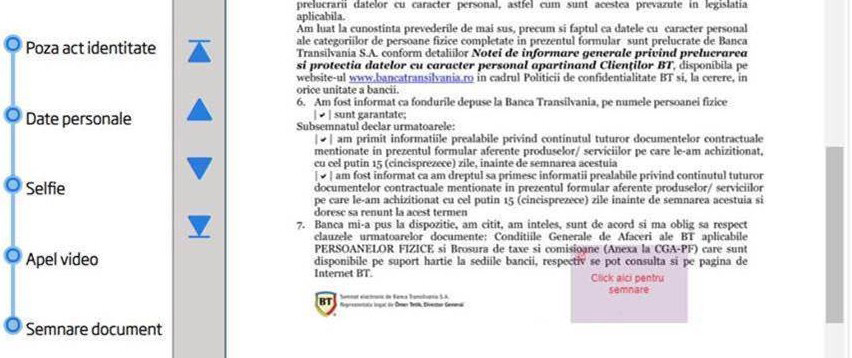
1. On the right side of the contract, at the bottom of the page, you have a pink frame 🔎. Click on it.
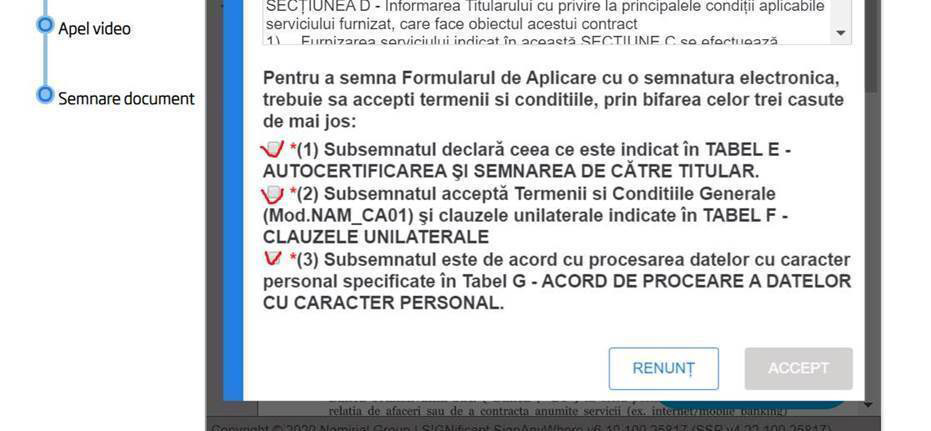
2. Tap, tap, tap.✅ Check all the boxes and click ACCETTARE.
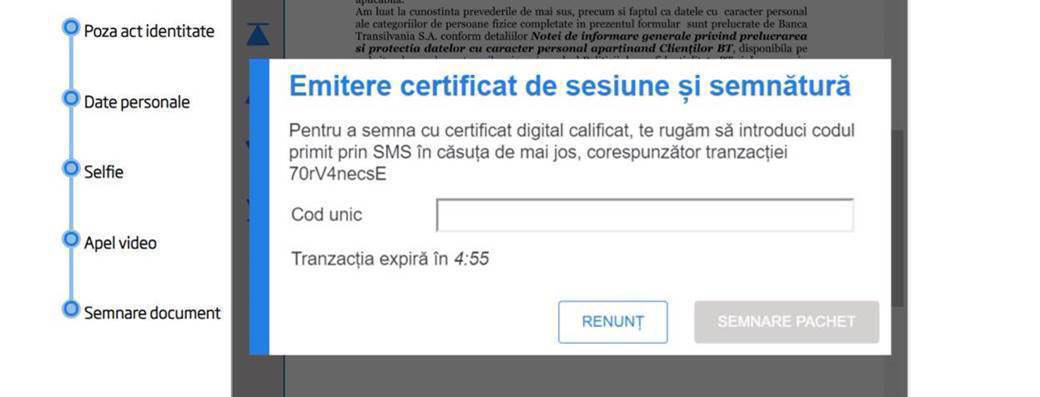
3. I hope you have the phone near you. You will receive by SMS a unique code consisting of 6 DIGITS which you must enter in the box. Ready? Tap ”PACKAGE SIGNING”.
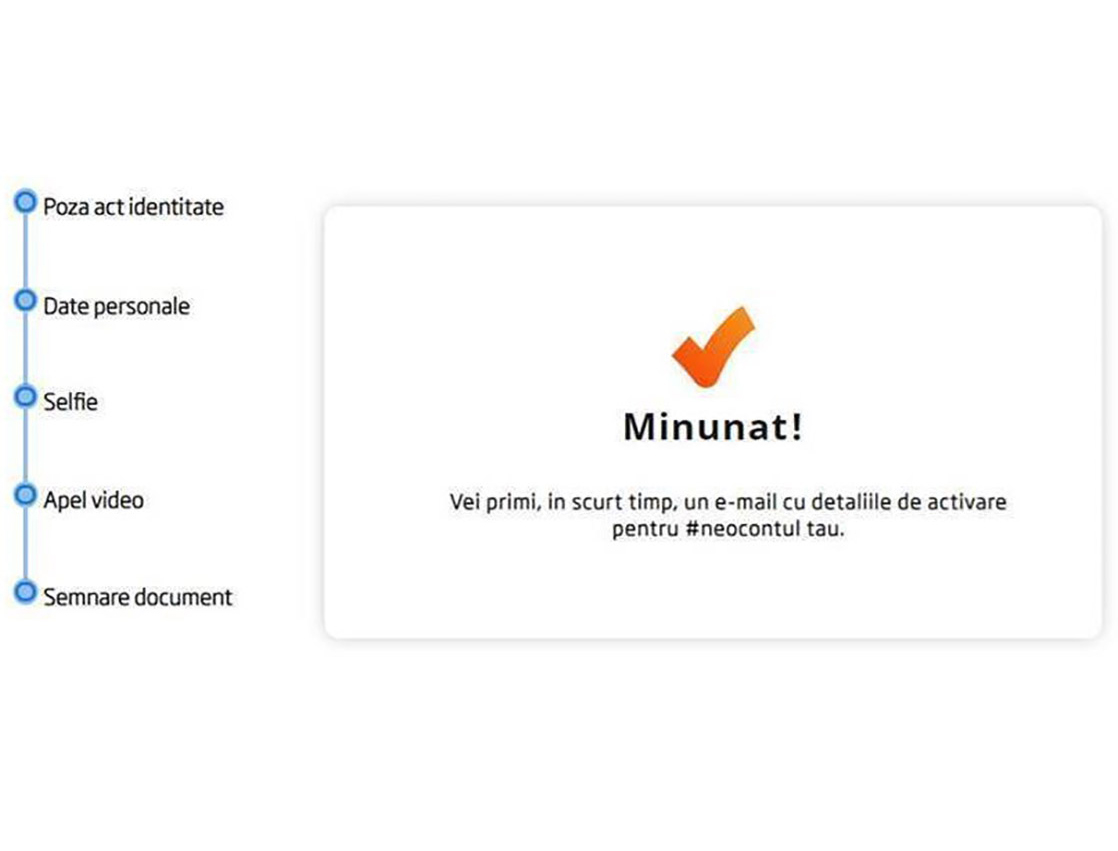
4. Click on the button FINISCI and you are already closer to your account.
5. Wonderful! You have signed the documents using the digital signature. 😎
Last update