


How do I schedule an appointment online at a BT unit?
It's super simple to schedule yourself online before you stop by with us. 😊
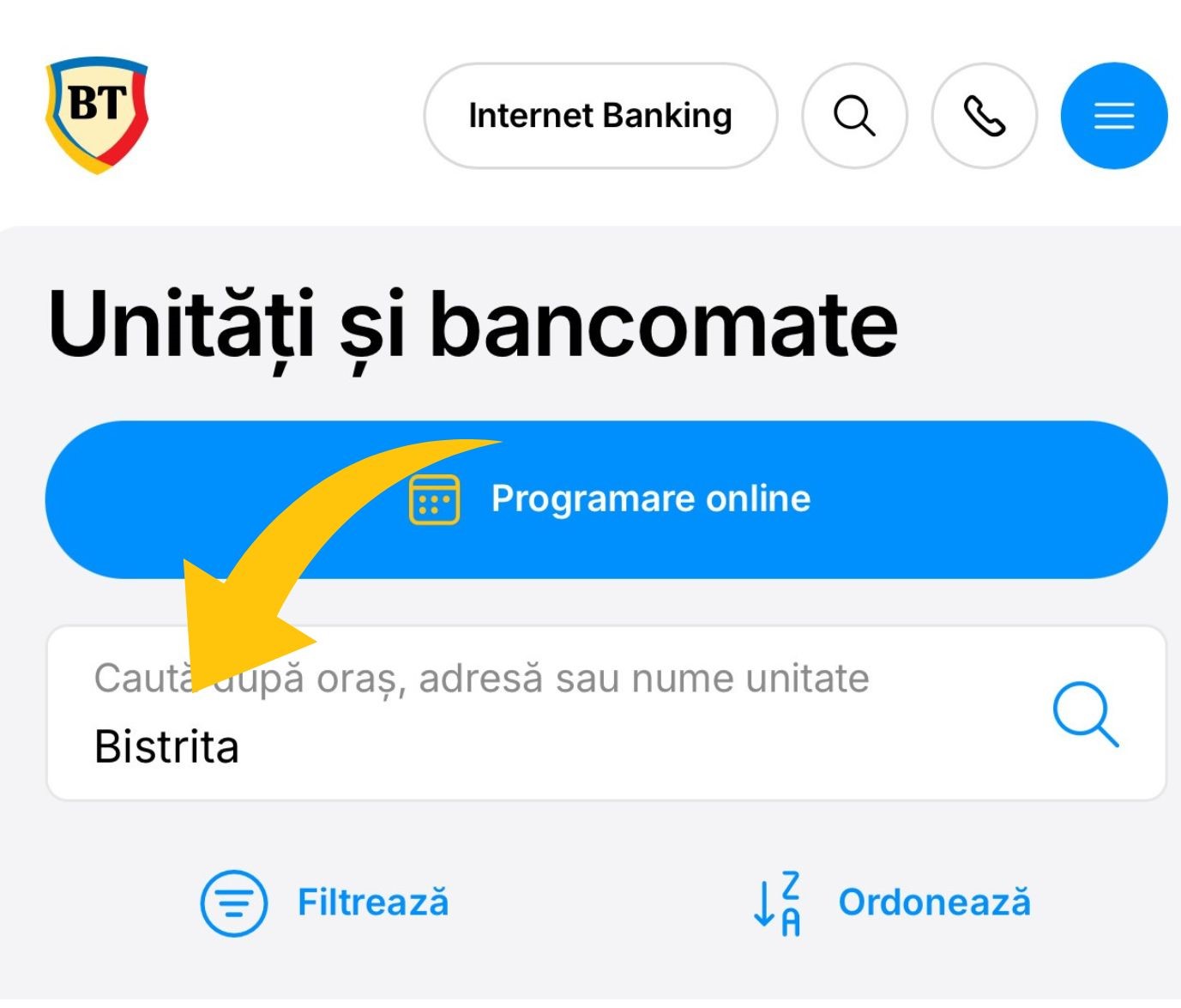
❶⠀You enter the BT site on the page „Units and ATMs”. You can search by unit name, city or address.
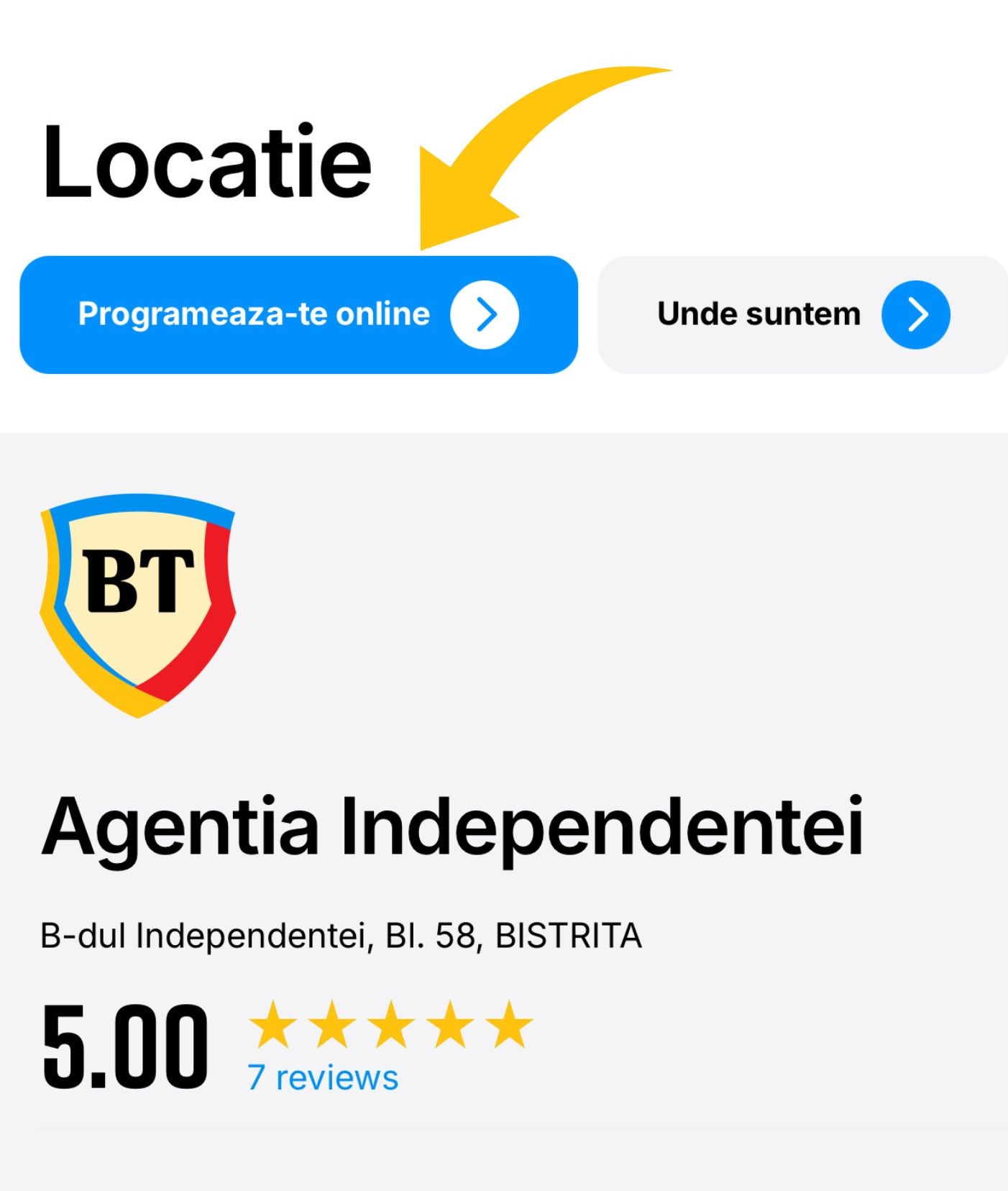
❷⠀Now that you have decided which unit you want to go to, press the button „Pschedule yourself online”. 👀
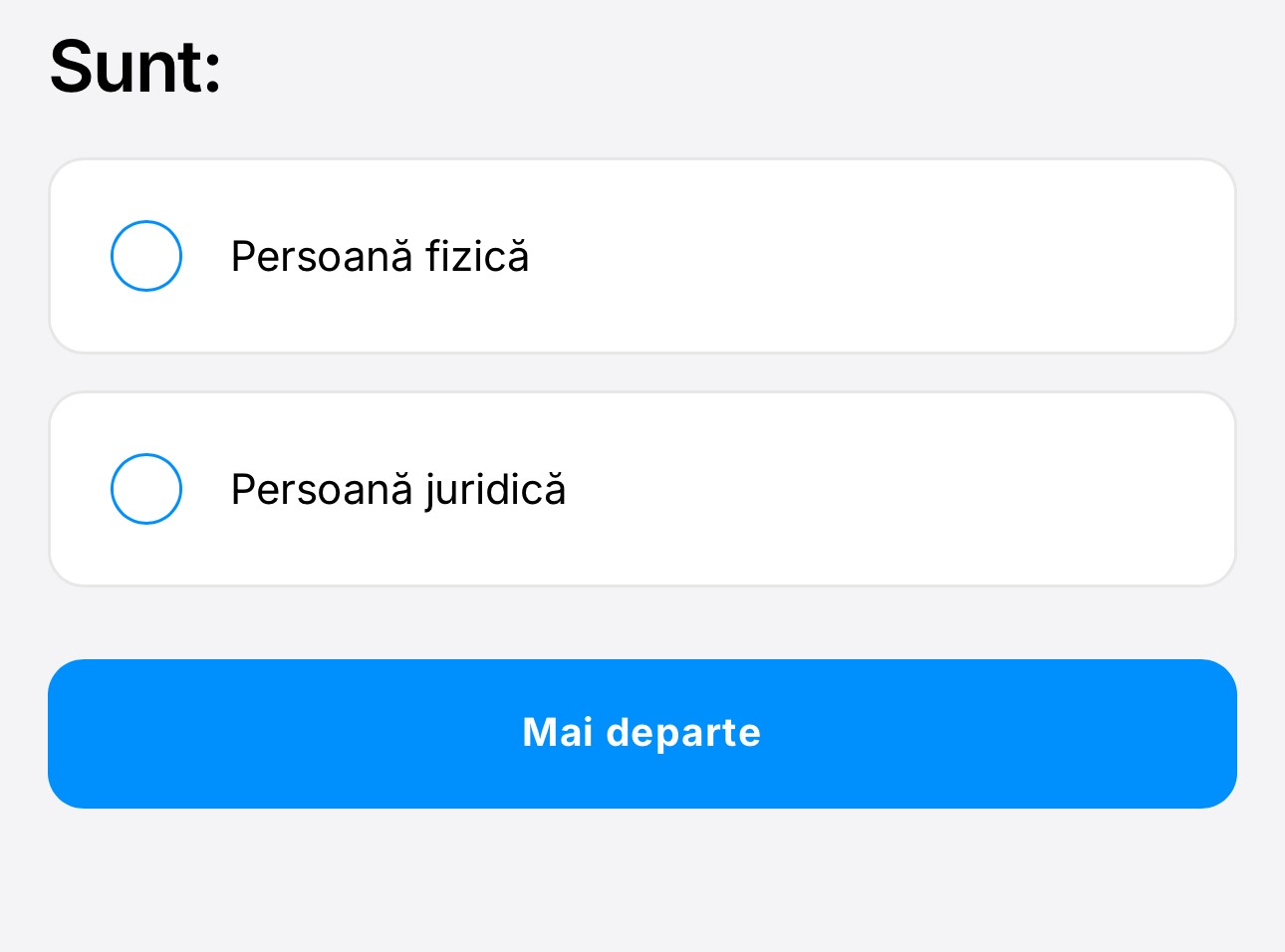
❸⠀Do you visit us for yourself or for your company?
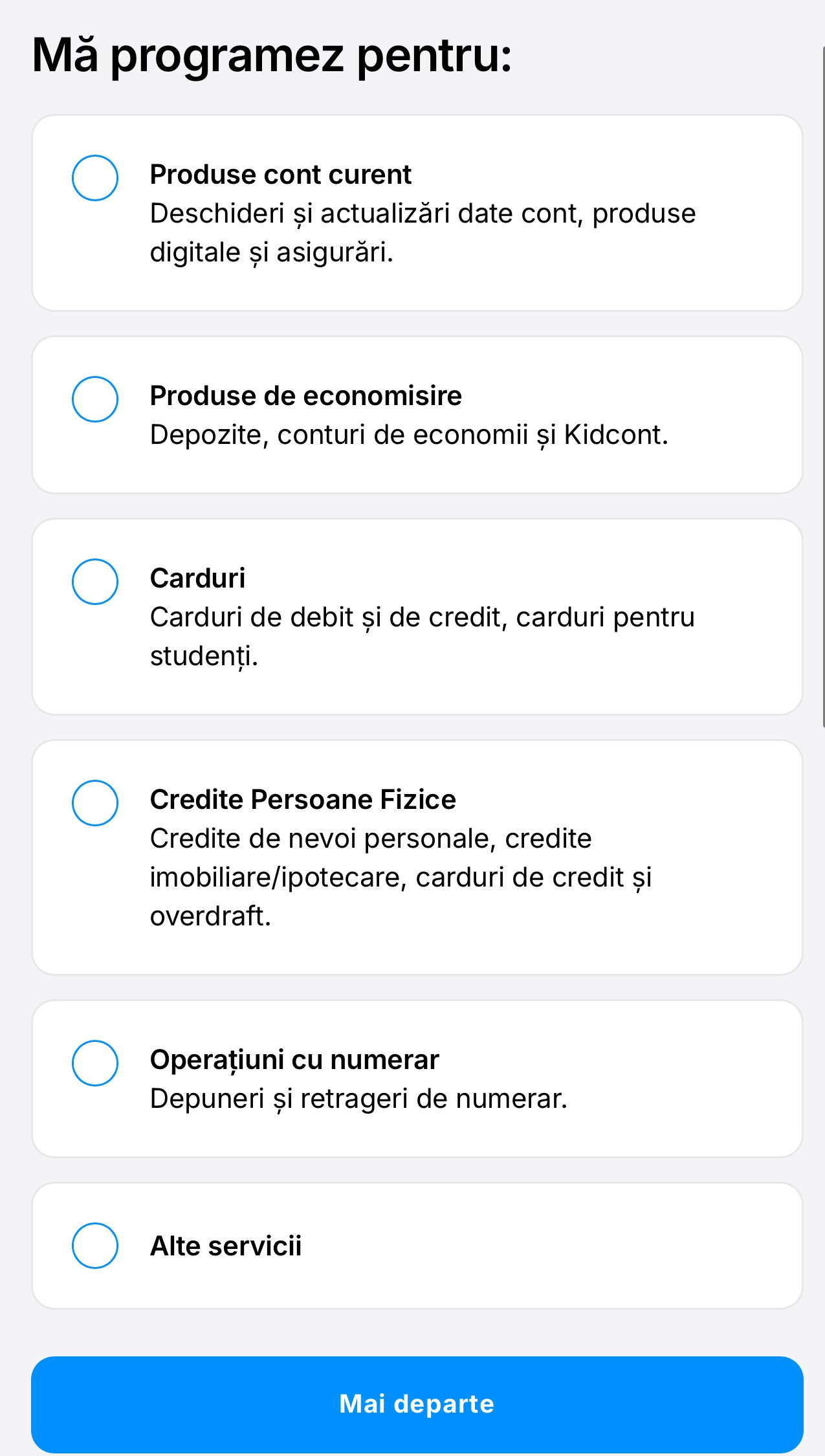
❹⠀Tell us how we can help you. 😇
❺⠀Now we only need a few pieces of information from you. You choose the date, time, and you are as good as scheduled. 📅
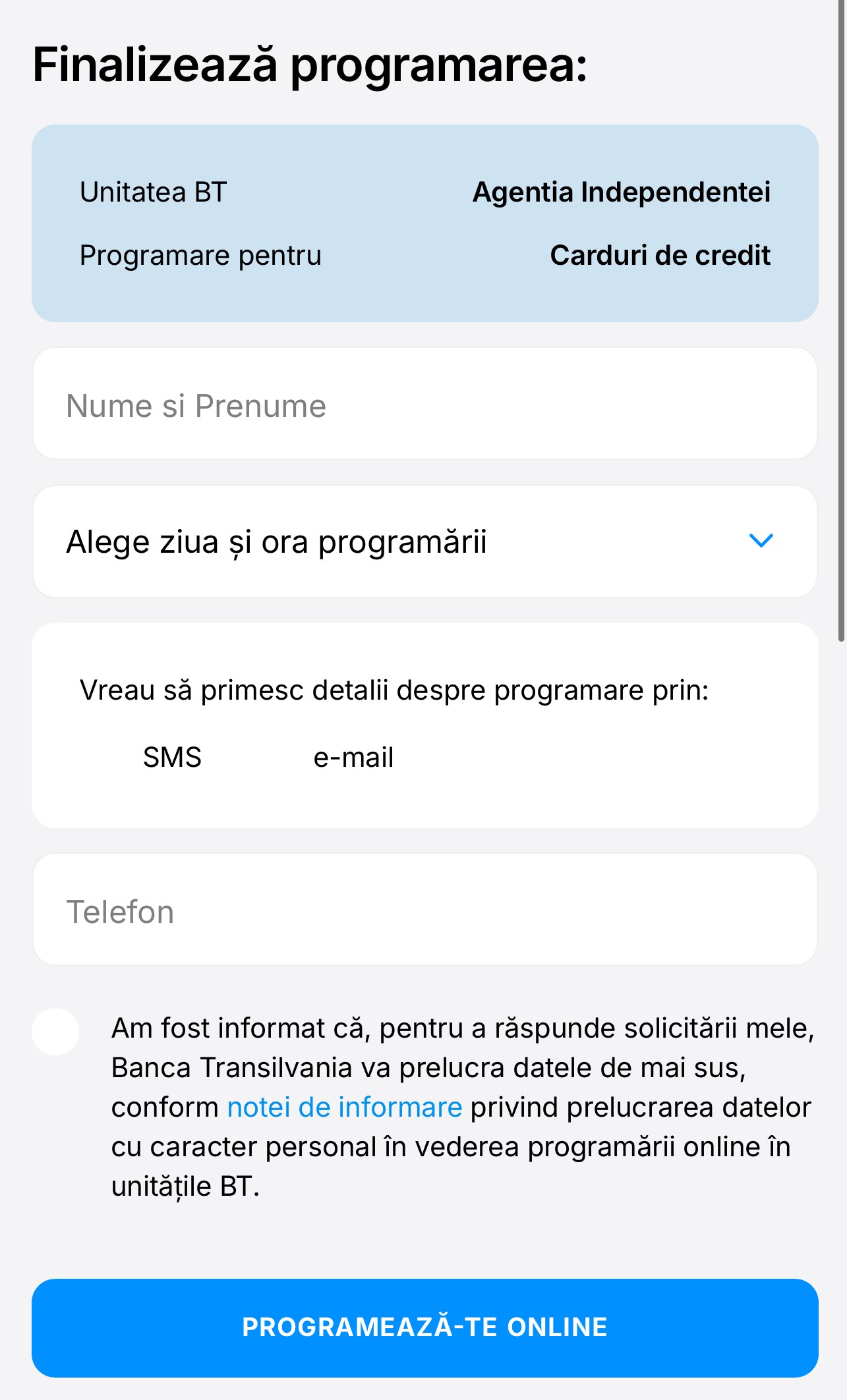
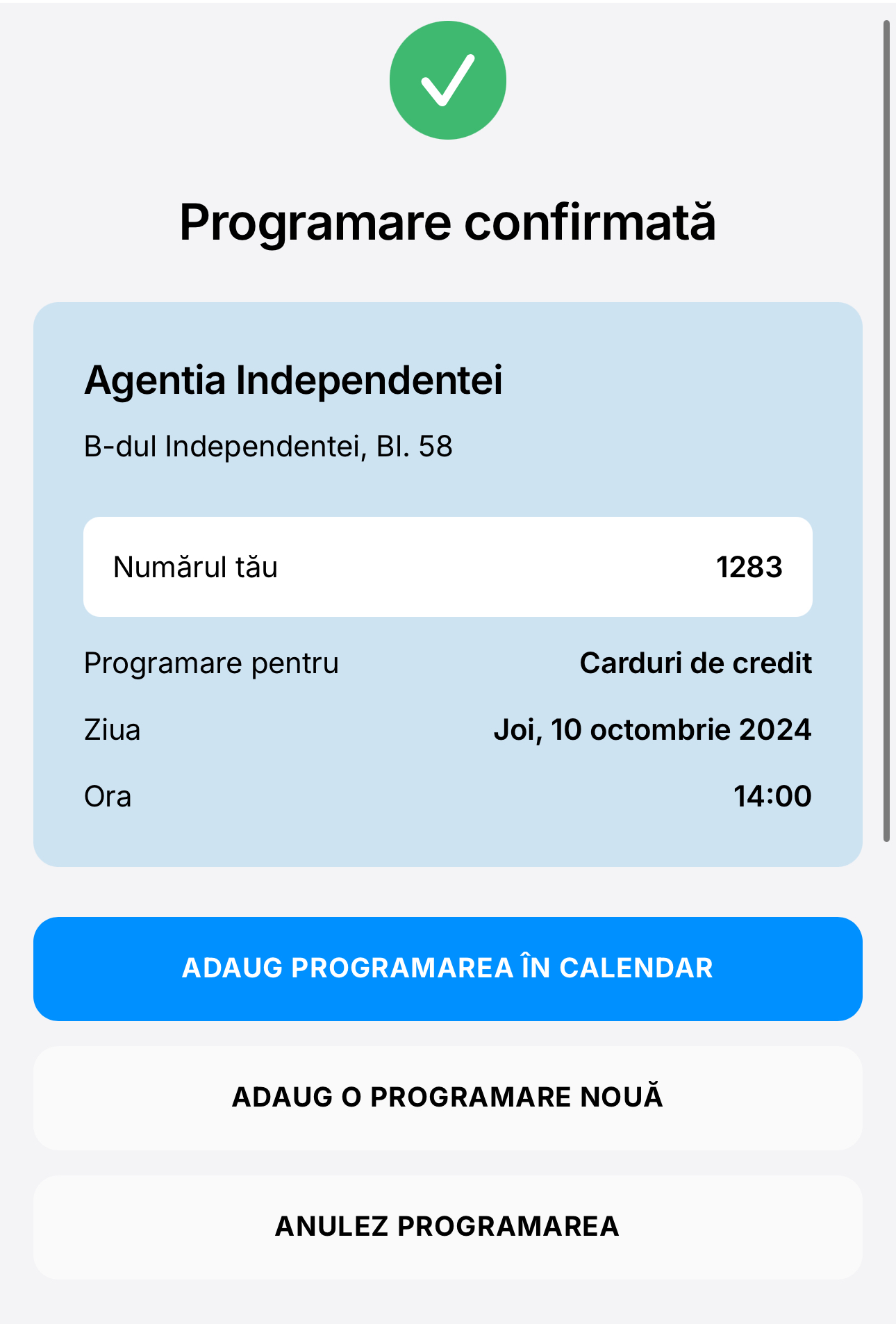
❻ We will send you a new confirmation email or sms, depending on what you choose.
If you fail to arrive on time or change your mind, you can cancel the appointment with a single gesture. 🙂
Last update