Only for BT clients

How do I block a card from BT Pay?

Card loss 💳 it's a difficult moment, but you can quickly reduce the risks by blocking him temporarily or permanently.

How do you do this? Well, by the following steps:

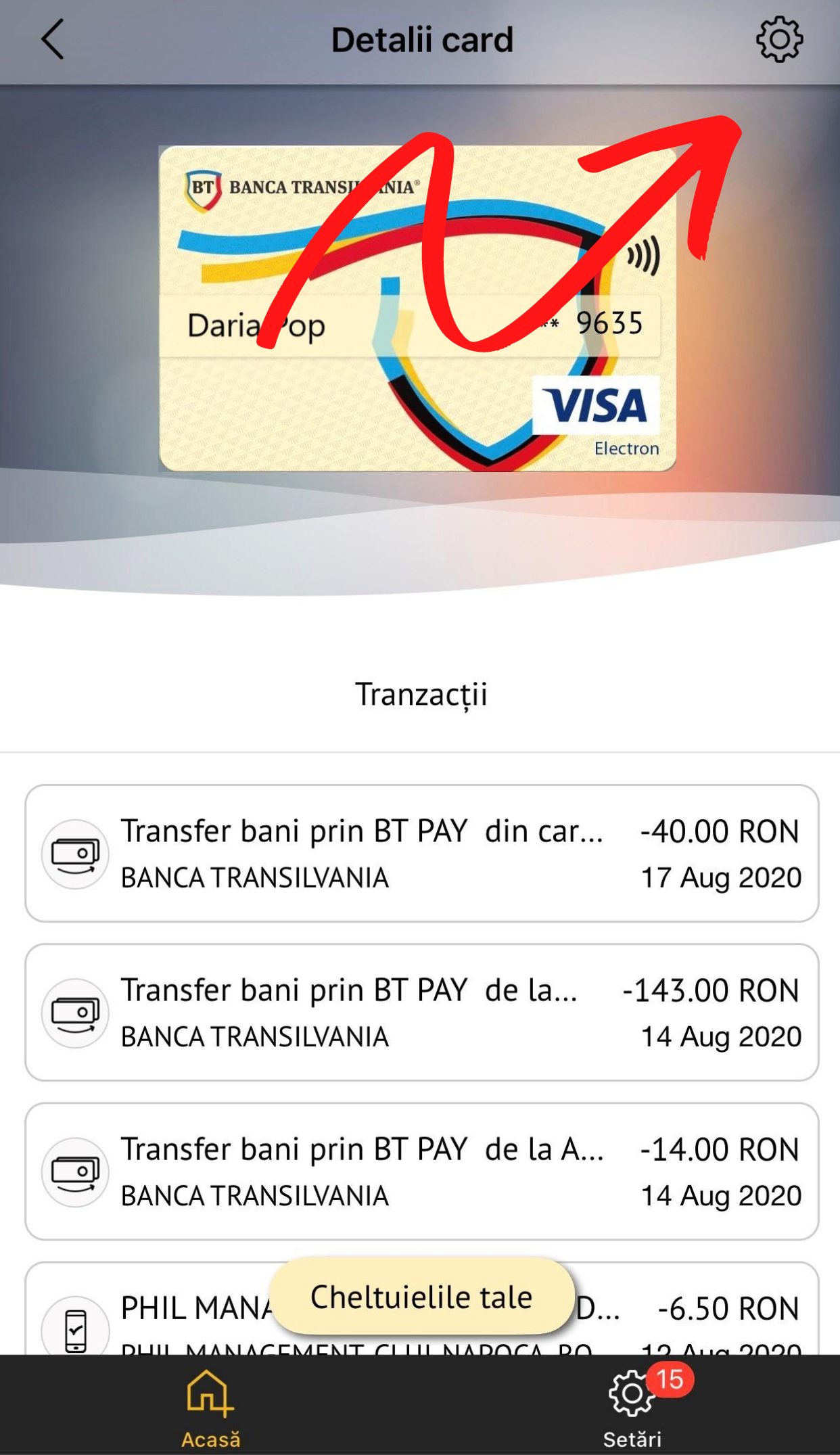
❶⠀Enter the app and choose the card which you want to block;
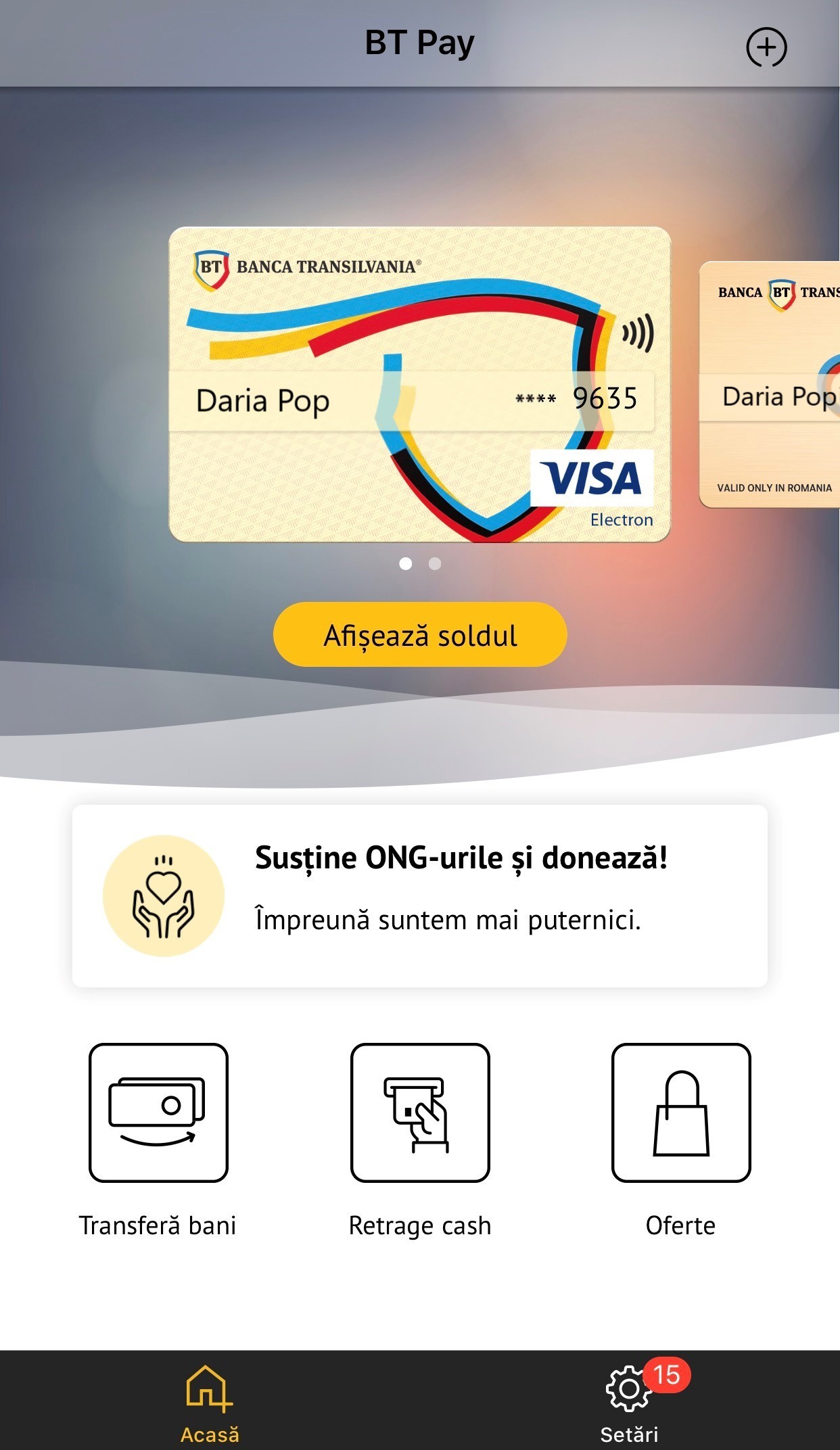
Imagine BT Pay - How do I block a card in BT Pay - 1

❷⠀Go to „Settings”;

Imagine BT Pay - How do I block a card in BT Pay - 2

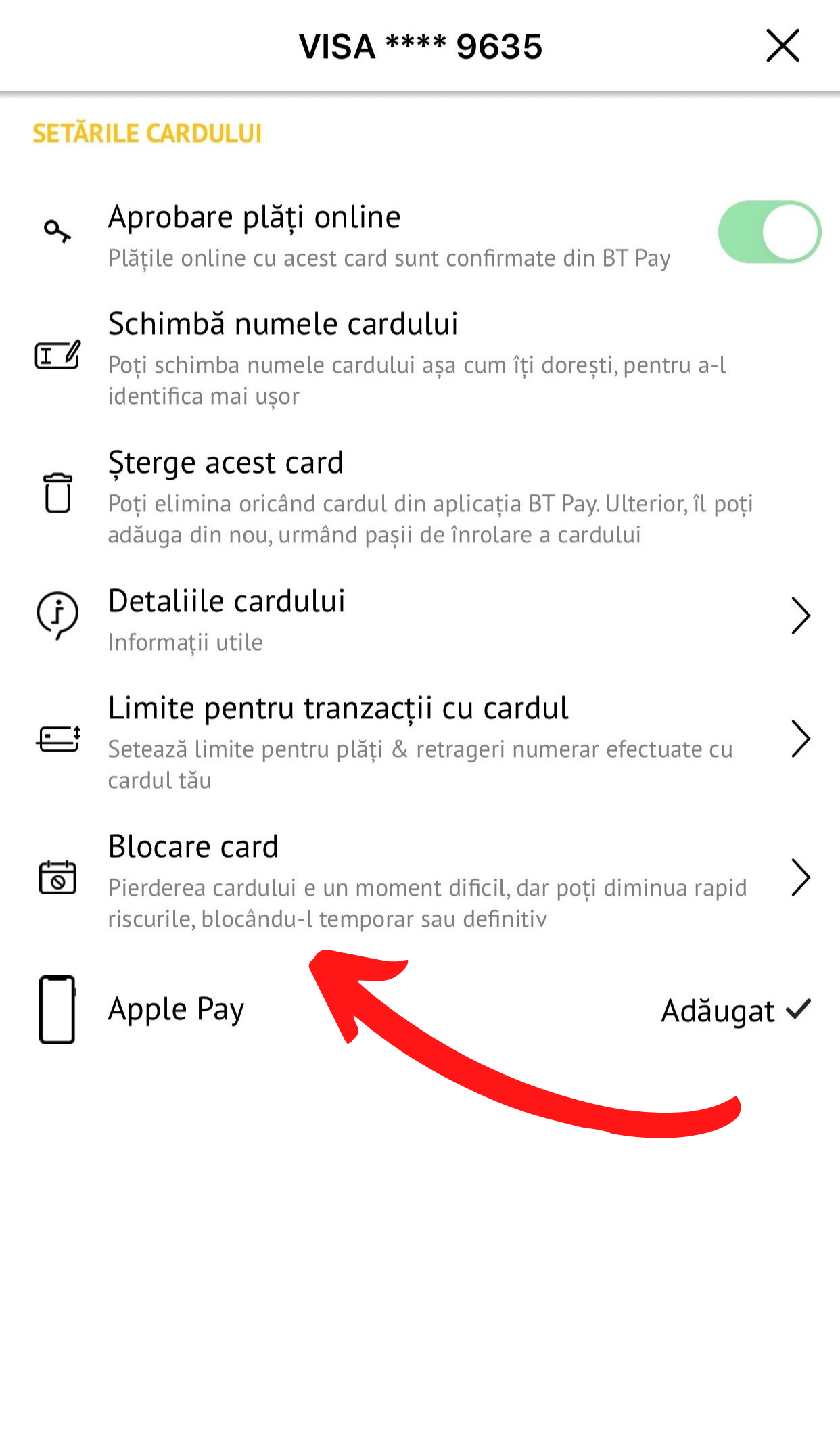
❸⠀Tap on „Card blocking”;

Imagine BT Pay - How do I block a card in BT Pay - 3

❹⠀To block it, access validation is required by entering a code received via SMS. Tap „Continue”;
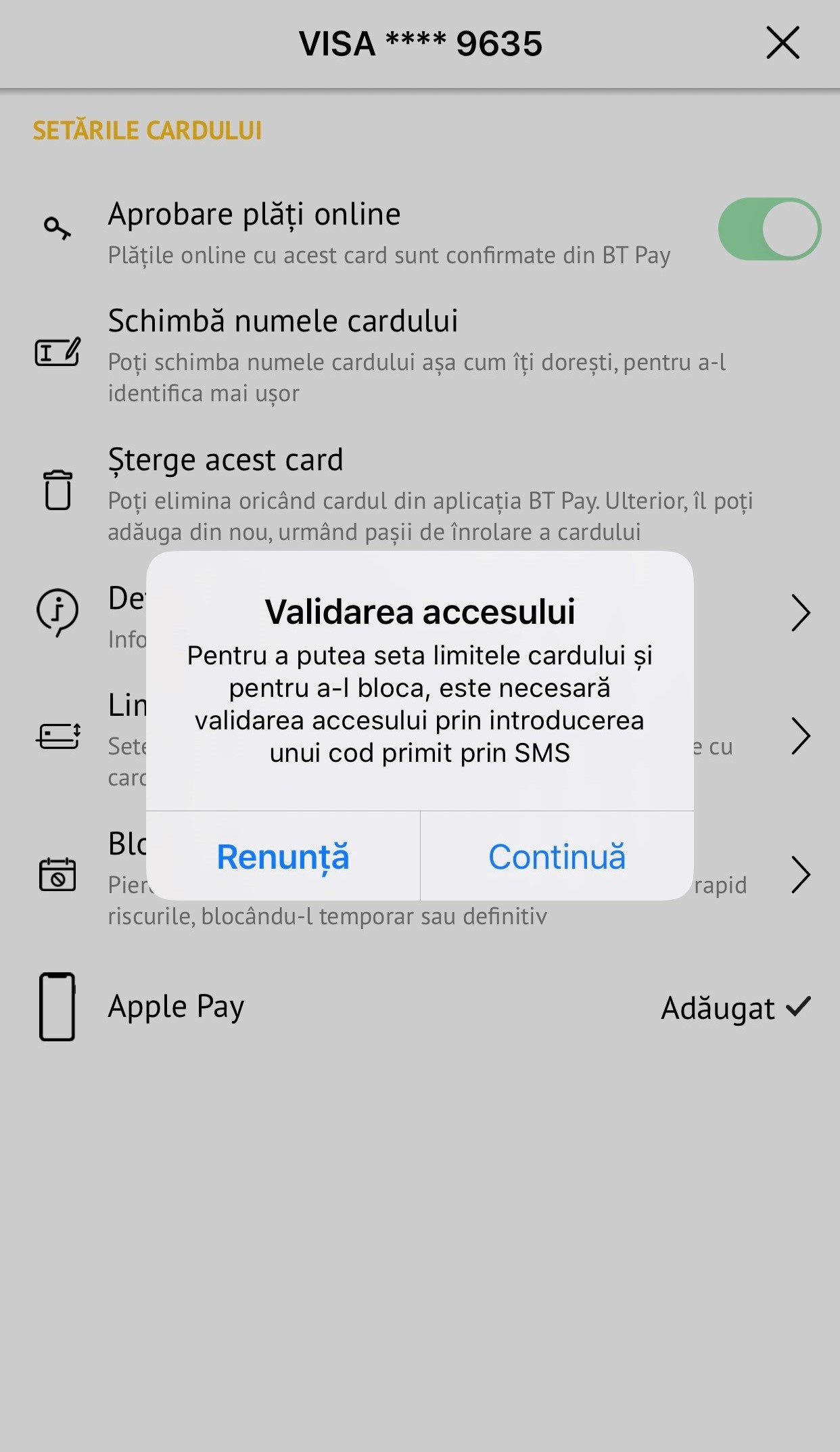
Imagine BT Pay - How do I block a card in BT Pay - 4

❺⠀Perfect! From here you can permanently or temporarily block your card.

And if you have temporarily blocked him, you can unblock him anytime and as many times as needed. 😊
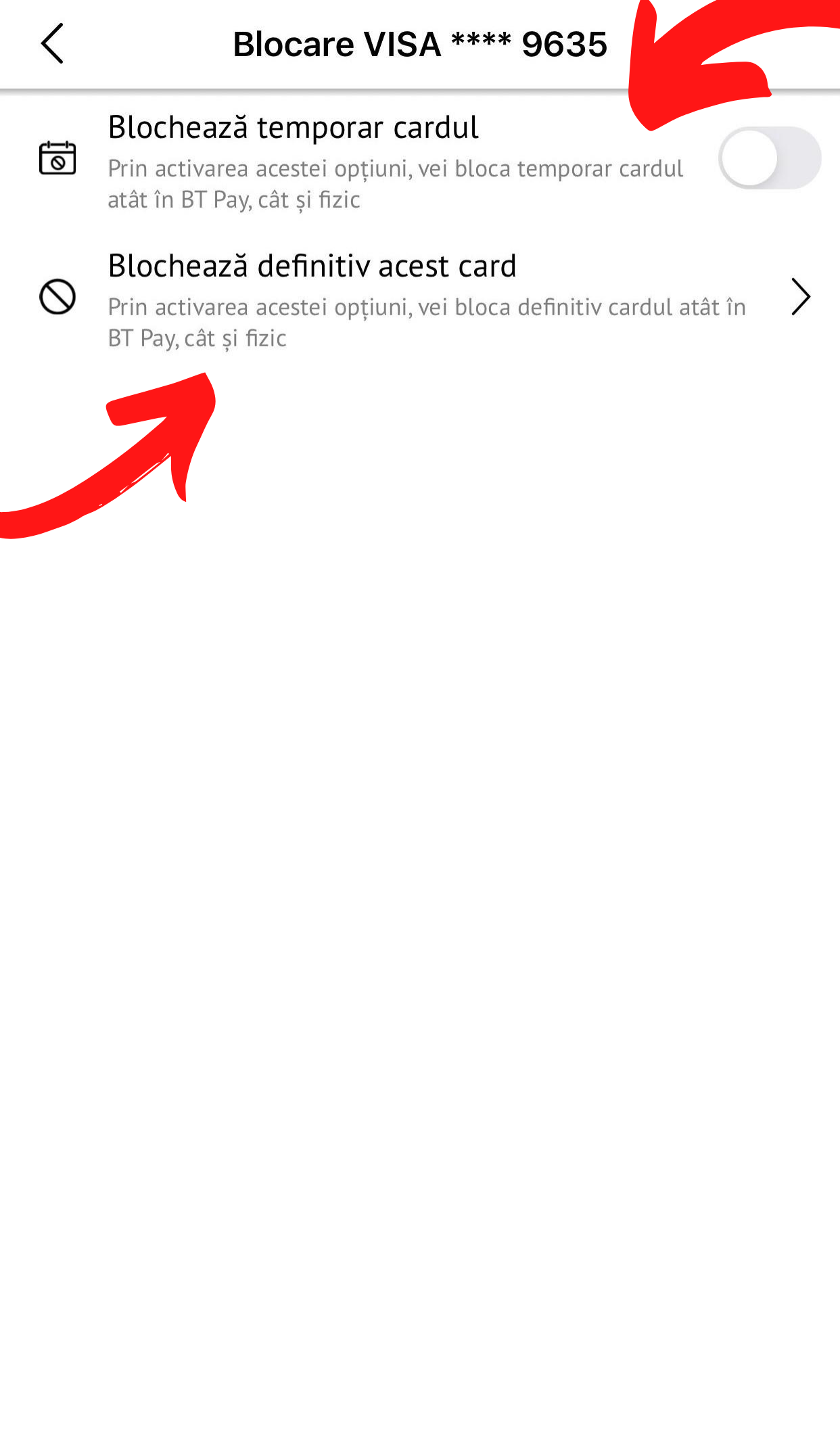
Imagine BT Pay - How do I block a card from BT Pay - 5
Last update
  • Was the answer useful to you?
  • How can we improve the answer?

    We are sorry that this answer was not useful to you. Help us improve it

    0/500

  • Extra benefits with Banking
    The sales season is coming. So, we thought we’d make it easier for you and special banking offers: cards with up to 250 lei gift, reduced fees on loans, investments and insurance.
    Learn more
    Extra benefits with Banking
    You have reached the end of the results
    No results found